Spoiler warning: this guide may discuss puzzles and story details. Hints stay hidden until you choose to reveal them.
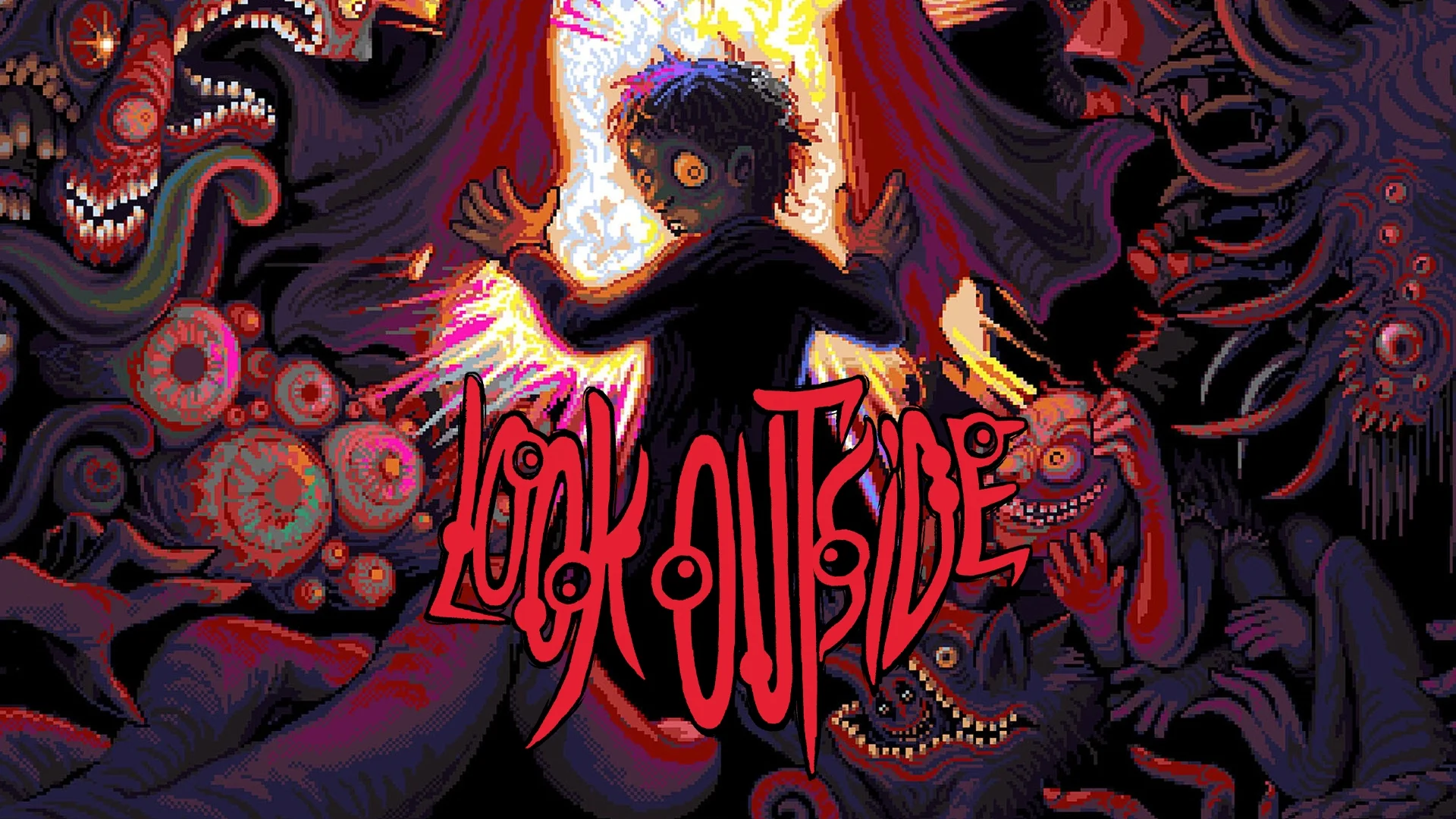
If you just grabbed Look Outside on Switch, Switch 2, PS4, or PS5, you are walking into a compact survival horror RPG with a year of PC updates already baked in. The loop is simple on paper: leave Apartment 33, scavenge the building, and come home before the Danger meter eats you alive.
What console players are getting
Francis Coulombe's game, published by Devolver Digital, launched on PC in March 2025 and hit PlayStation and Nintendo platforms on October 30, 2026 for $9.99. Console builds ship with the Final Vision 2.0 content and later balance work through the 2.3 line: more monsters, areas, quests, endings, and the brutal Cursed challenge mode. Xbox is not part of this rollout. For the release snapshot, see our Look Outside console launch notes.
Content warnings before you start
Store ratings flag blood, strong language, and violence. Expect frequent body horror, gore, grotesque neighbor transformations, and disturbing cosmic imagery. It is short (roughly 10 to 12 hours for a first clear), but the tone is mean. If grotesque horror is a hard pass, this apartment is not a cozy pixel diversion.
Pick a difficulty that matches your first week
Three listed difficulties shape how hard the building hits you:
- Explorer: softer enemies, more loot, stronger starting stats, menu saves almost anywhere, and autosaves after new rooms or kills. Best onboarding for console newcomers.
- Survivor: the balance the game is designed around. Standard saves tied to Danger / Sybil check-ins rather than free menu saves.
- Cursed: Final Vision's hard remix. Tougher foes, worse economy, nastier layouts, and save gates that demand more Danger. Save this for a second run.
If this is your first apartment crawl on a DualSense or Joy-Con, start on Explorer, learn the floors, then graduate to Survivor. Cursed is a victory lap, not a tutorial.
Controls and comfort tips
Look Outside plays like a classic RPG Maker exploration game mapped to a modern pad. Exact glyphs vary by platform, but the habits that matter are the same:
- Move with the left stick or D-pad; open menus and confirm with the primary face button; cancel/back with the secondary.
- Keep a dedicated Run input handy in hallways. You will want it the moment a chase or Shade pressure spikes.
- In battle, hold the interact/confirm button to double combat animation speed so filler fights do not drag.
- Open the equip screen often and use Optimize when your inventory balloons; the game throws a lot of scavenged gear at you.
- Handheld Switch sessions benefit from bumping text and UI brightness in a dim room; the pixel art is readable, but hallway clutter is intentional.
The survival loop: leave, loot, bank Danger
Every outing raises the Danger meter. Higher Danger means more Shade pressure in the halls. Coming home to Apartment 33 with enough Danger lets Sybil peer through the wall eyes so you can talk and save. Bank XP by returning; long stretches outside without rest also make Sam anxious and cut EXP gains.
Treat expeditions like short raids, not open-world tours. Clear a floor wing, grab food and weapons, then bounce home to cook, shower, craft, and check on anyone you invited in.
Early habits that save runs
- Save whenever Sybil offers. There is no penalty for being cautious, and ambushes can end a careless run fast.
- Answer the door when it feels safe. Visitors can become party members, traders, or item sources; judging by looks alone is how you miss help.
- Stock duct tape. Melee weapons degrade; repairs keep scavenged bats and tools from snapping mid-fight.
- Revisit the Floor 2 shop. Stock rotates and restocks; healing and repair materials are worth the trip.
- Play the in-apartment video games. Sessions grant XP, stats, and new combat moves, and often cue another visitor afterward.
- Brush teeth and shower. Hygiene lowers detection odds, and showers can nudge you toward the next objective.
- Flee when the game warns you. The urge-to-run text is real; escape odds improve after early turns, especially on Explorer.
- Pick up everything. Inventory space is not the bottleneck; sell duplicate loot icons for cash toward tonics and better gear.
- Talk before you swing. Some grotesque figures can be reasoned with or avoided; combat is not the only verb.
Fifteen days is a clock, not a suggestion
The catastrophe runs on a roughly 15-day in-game calendar. Entering new rooms, cooking, showers, games, fights, and chats all spend time. You will not vacuum every secret in one blind run. Aim for a clean first ending, then return for side paths and challenge modes.
Endings without the route chart
Look Outside has multiple endings and a post-clear score that reacts to difficulty, bosses, friends recruited, and optional challenge flags. For a first console playthrough, chase curiosity and survival rather than a perfect ritual checklist. We do not have a dedicated endings walkthrough on GameClue yet; when we publish one, it will live under Guides for this game.
Quick FAQ for console newcomers
Is Final Vision separate DLC on Switch or PlayStation? No. Console SKUs launch with Final Vision content and subsequent 2.x polish included.
PS4 and PS5: one purchase? PlayStation Store listings treat the digital edition as covering both PS4 and PS5 versions; confirm the product page for your region before buying.
How long is a first clear? Official framing lands around 10 to 12 hours, depending on how often you backtrack and recruit.
Should I look outside? That is the whole joke and the whole risk. Learn the apartment first; experiment once you can save cleanly.
Buy or wishlist on the PlayStation Store, the Nintendo eShop page for Look Outside, or Steam if you also keep a PC save.